

For group leaders
Start a CLEAN group. Bring your men.
No man gets clean alone. Here's how to start a group on the platform and invite your brothers, step by step. It takes about five minutes.
Step 1: Join a CLEAN program
To lead a group you need a CLEAN program. Then you and your men read the same day together and can go through the videos side by side.
Step 2: Create your group
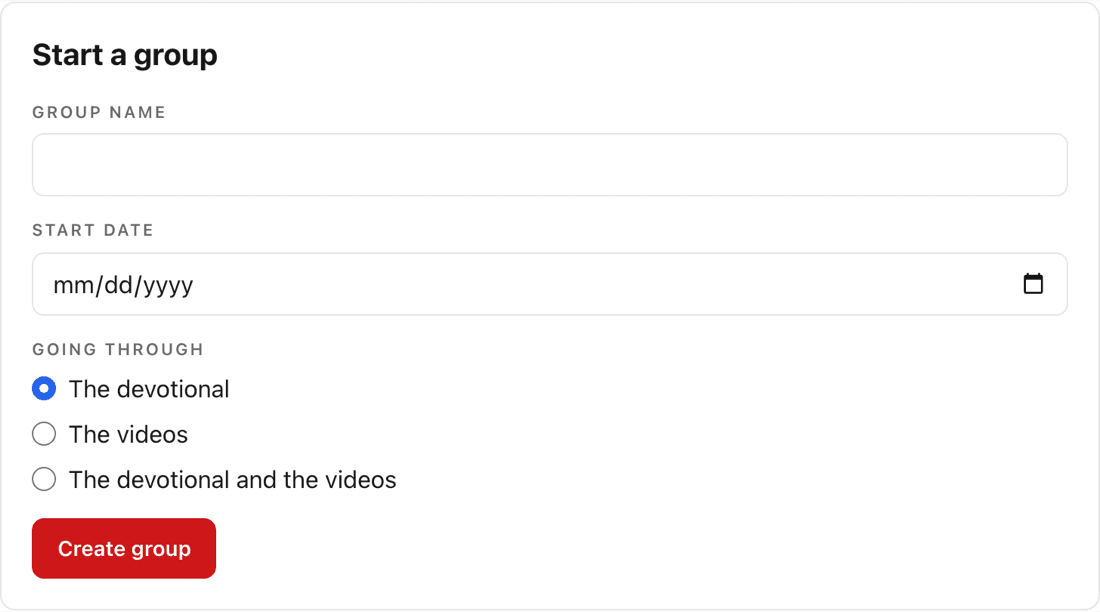
Sign in and open Groups. Under Start a group, give your group a name, pick the day you'll begin, and choose what you're going through. Then press Create group. Each man can be in one group at a time.
Step 3: Invite your men
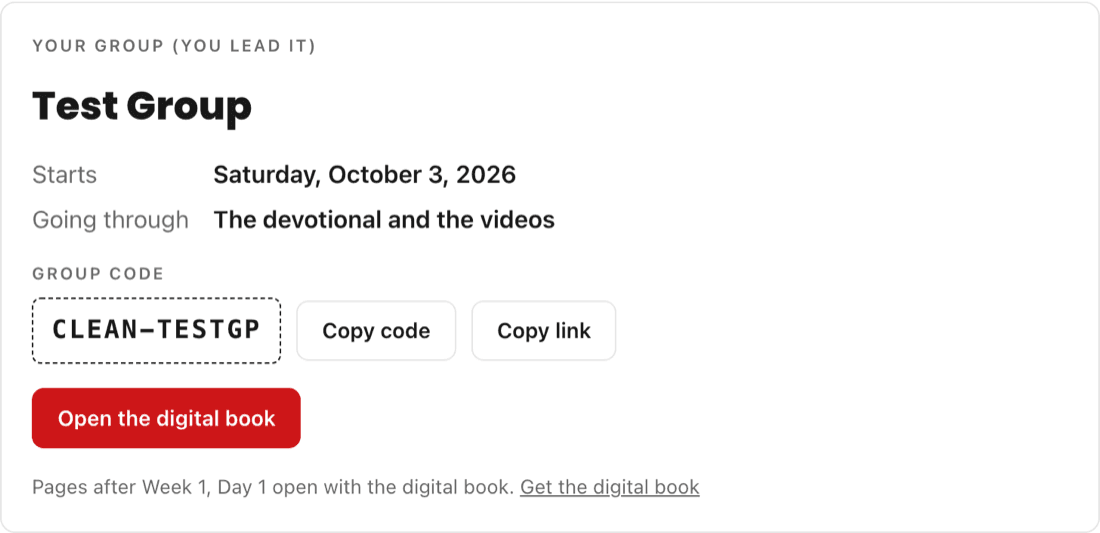
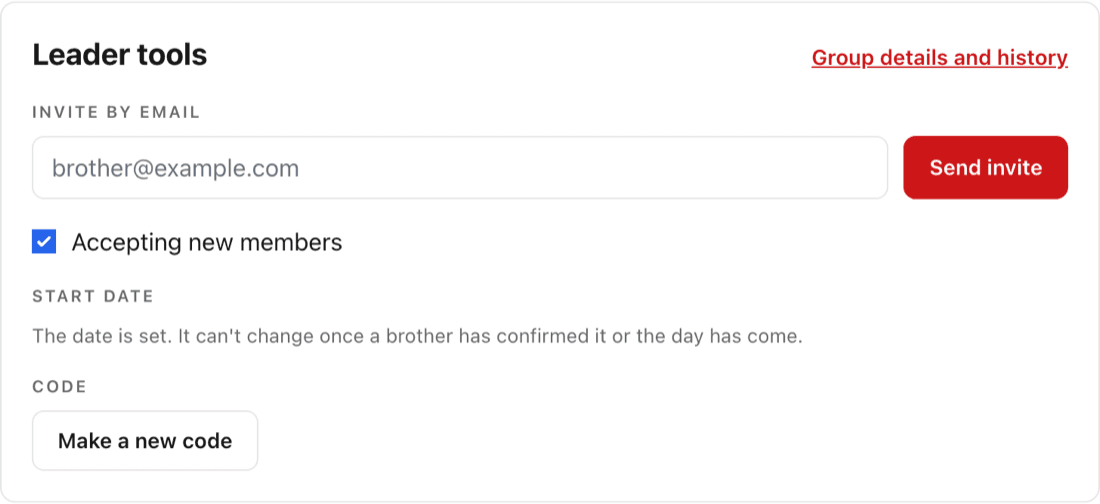
Your group gets its own code, like CLEAN-7K4M9P. Press Copy link, then send it by text or in your church's group chat. Or, under Leader tools, type a brother's email and press Send invite.
Step 4: Your men join
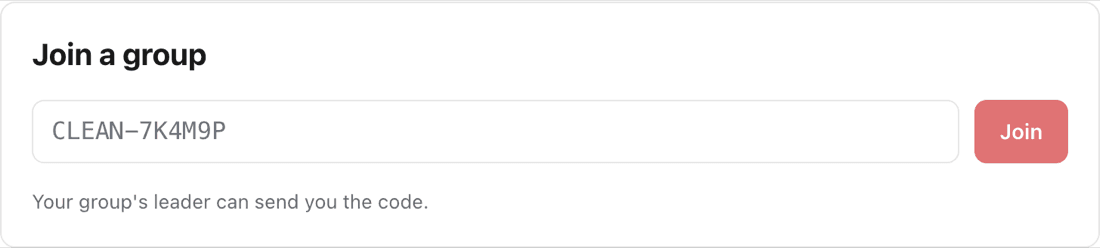
Each man creates his account, then opens your link or types the code under Join a group on his Groups page, and confirms the start date. To go past Week 1, Day 1, every man needs his own place in a CLEAN program.
Step 5: Lead your group
Your Groups page shows who has joined, who still needs to confirm the date, and who is falling behind. You can stop taking new members, make a new code, or move the start date until a brother confirms it. Then walk it out together, one day at a time.

This is holy work, brother.
Questions about leading a group? Talk with me first.